

Introduction
Architects today rely on advanced technology to realize their creative visions effectively. Tablets paired with a pen have become indispensable tools, allowing for precision and a hands-on approach to design work. As we explore the best tablets available in 2024, we will consider the features that architects should prioritize, and highlight the top models on the market right now.
Why Architects Need a Tablet with a Pen
Tablets with pens offer a transformative experience for architects, providing advanced tools that enhance their entire workflow. They are critical for several reasons:
- Enhanced Design Capabilities
-
Tablets furnish architects with precise drawing capabilities and tools for intricate design work. With the right stylus, architects can achieve the detail necessary for complex projects.
-
Portability and Flexibility
-
The compact nature of tablets allows architects to carry their work and tools with them virtually anywhere. This mobility supports a dynamic workflow, from drafting initial concepts to presenting detailed plans.
-
Better Client Presentations
- Architects can showcase their work digitally, offering high-resolution visuals and interactive elements that make presentations more impactful and engaging, with the ability to modify designs in real-time.
Choosing the right device depends on understanding the key features that affect performance and usability.
Key Features to Consider When Choosing a Tablet
For architects, selecting a tablet involves evaluating several fundamental features to ensure it aligns with their professional demands.
- Display Quality and Size
-
A high-resolution screen is vital for clarity in visual presentations, while the size should accommodate extensive design work without sacrificing portability.
-
Stylus Precision and Responsiveness
-
The precision of the stylus dictates how effectively an architect can translate creative ideas into digital designs, making responsiveness a critical factor.
-
Processing Power and Storage
-
Tablets should possess powerful processors and adequate storage to handle design software seamlessly, ensuring that architects can run programs efficiently and store substantial files.
-
Battery Life
-
Long-lasting battery life ensures that work continues uninterrupted, crucial for hours of on-site or remote productivity.
-
Software Compatibility
- The tablet must support industry-standard software commonly used in architecture, enhancing productivity and enabling sophisticated designing processes.
Understanding these features helps architects make informed choices. Next, we’ll explore the top tablets currently available.
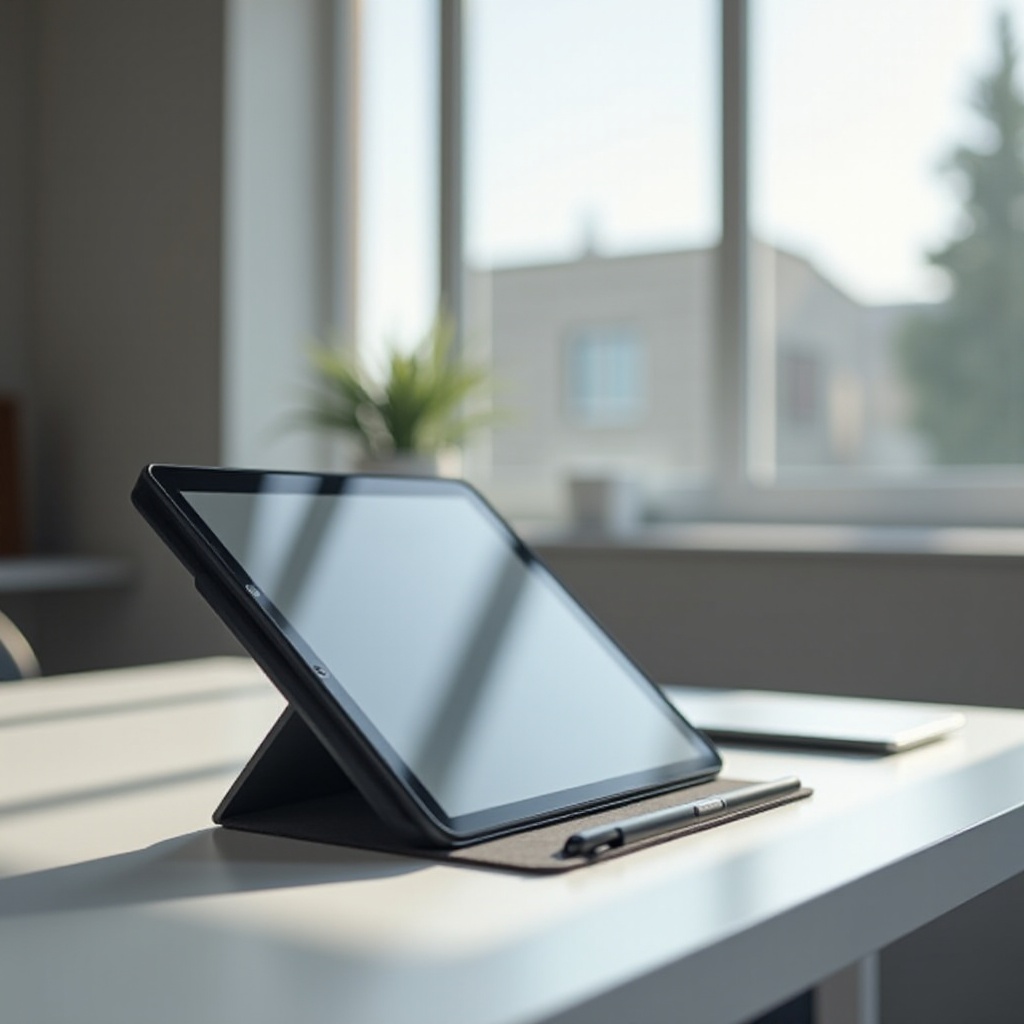
Top Picks for Best Tablets for Architects with a Pen in 2024
Here, we examine the leading tablets that architects should consider, each offering unique strengths and capabilities:
- iPad Pro with Apple Pencil
-
The iPad Pro stands out with its stunning Liquid Retina display and ProMotion technology, providing exceptional color accuracy and fluid motion. It’s perfect for architects who prioritize user-friendly interfaces and top-notch performance with the Apple Pencil.
-
Microsoft Surface Pro with Surface Pen
-
Known for its versatility, the Surface Pro boasts the power of a laptop with tablet portability. It runs full versions of Windows applications, making it perfect for architects who need a flexible device for both design work and work of other kinds.
-
Samsung Galaxy Tab S9 with S Pen
-
Offering a Super AMOLED display and powerful processing capabilities, the Galaxy Tab S9 is ideal for Android users who require a vibrant screen for illustrating detailed designs. The S Pen enhances the digital drawing experience with excellent responsiveness.
-
Wacom MobileStudio Pro
- Designed specifically for creators, the MobileStudio Pro features a high-resolution screen and an advanced stylus, offering architects a tailored tool for drawing precision-focused designs.
Evaluating these options can help architects find a device that meets their specific needs and preferences for maximum efficiency.
Comparison of Key Features
Selecting the right tablet involves focusing on certain critical aspects tailored to an architect’s specific requirements. Here’s a quick comparison:
- iPad Pro: Best for those seeking a seamless user experience with a focus on accurate color display and app compatibility.
- Surface Pro: Suitable for architects needing an adaptable device that functions as both a laptop and a tablet, providing a powerful suite of tools under Windows.
- Galaxy Tab S9: Perfect for the Android ecosystem lovers wanting superb visuals and smooth pen integration.
- MobileStudio Pro: Ideal for those who emphasize design work and rely extensively on stylus-driven tasks.
By understanding these features, architects can make a choice that optimizes their workflow.
Tips for Using Tablets Effectively in Architecture
To get the most out of a tablet, especially in the demanding field of architecture, consider the following:
- Best Apps for Architects
-
Leverage architecture-focused apps like AutoCAD, SketchUp, and Morpholio Trace to expand functionality.
-
Tips for Maintaining Battery Life
-
Ensure settings are optimized for energy efficiency; bring a portable charger when working remotely to maintain productivity.
-
Enhancing Productivity with Accessories
- Quality accessories such as detachable keyboards, stands, and protective cases are essential for creating a more efficient workspace, even on the go.

Conclusion
The right tablet with a pen can be a game-changer for architects in 2024, revolutionizing design processes and presentation methods. By identifying the most suitable features and optimal devices, architects can unlock new levels of creativity and efficiency in their work.
Frequently Asked Questions
What is the best tablet for architects available in 2024?
The best tablets include the iPad Pro, Surface Pro, Galaxy Tab S9, and Wacom MobileStudio Pro, each offering unique features tailored to architectural needs.
Do all tablets for architects come with a pen?
Most high-end tablets either come with a stylus or offer it as an optional accessory, essential for precise design work.
Can I use architecture software on these tablets?
Yes, these tablets support major architecture software, making it easier for architects to work on complex designs efficiently.