

Introduction
YouTube TV has revolutionized home entertainment by offering unparalleled flexibility in content viewing. For households seeking to optimize their setup, understanding how many TVs can stream simultaneously on YouTube TV is crucial. This article breaks down streaming limits, ways to enhance your experience, and how to manage costs efficiently, ensuring you make the most of your subscription.
Understanding YouTube TV’s Simultaneous Streaming Limit
Navigating YouTube TV’s streaming capabilities starts with knowing the default limits.
- Default Streaming Limits: You can stream on up to three devices simultaneously with a single YouTube TV account. This limit encompasses all device types, making it crucial to manage these connections effectively for an uninterrupted experience.
- Importance of Device Count: Efficiently managing device connections prevents any disruptions during peak times, offering seamless streaming for every member of the household.
This foundational knowledge sets the stage for enhancing your streaming experience, crucial for larger households or regular social gatherings.

Enhancing Your YouTube TV Experience
If the default streaming limit feels restrictive, there are practical solutions to enhance device access.
- Using the 4K Plus Add-On: This add-on offers the ability to stream on unlimited devices at home, ideal for larger households or hosting events. It enhances picture quality, providing a richer viewing experience.
- Additional Ways to Increase Streams: Utilize family group features, allowing each member their own account under a single subscription. This setup not only personalizes viewing options but also expands device availability.
With these enhancements in mind, ensuring your devices are compatible and properly set up becomes the next step.
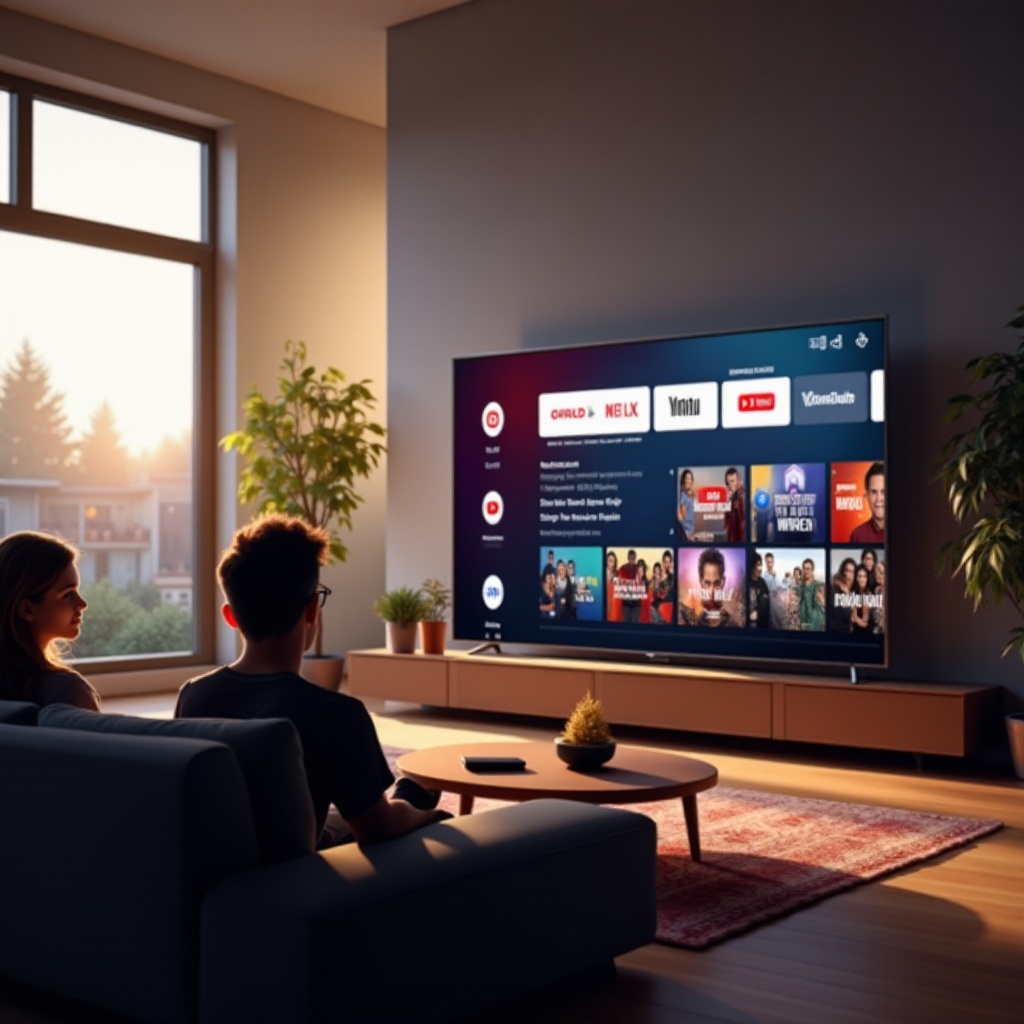
Device Compatibility and Setup
To fully benefit from YouTube TV, having the right devices and correct setup is essential.
- Compatible Devices for YouTube TV: YouTube TV effortlessly integrates with smart TVs, streaming devices like Roku and Chromecast, gaming consoles, and mobile devices, giving you various options to suit different environments.
- Setting Up Multiple TVs: Connect each device to the home Wi-Fi and log into your YouTube TV account. Always ensure the app is up-to-date to avoid streaming interruptions.
A thorough understanding of device compatibility transitions us into examining the financial aspect of multi-device usage.
Cost Considerations for Multi-TV Use
Enhancing your streaming capacity often involves additional costs, which should be evaluated against your household’s needs.
- Subscription Plans and Add-Ons: The base YouTube TV subscription allows three streams, with the 4K Plus add-on available for more, at a premium rate. Evaluating your household’s viewing habits will help weigh the cost versus benefit.
- Assessing Value for Different Household Sizes: For smaller homes, the standard plan might suffice. Larger households or those with varied viewing preferences will benefit from the added flexibility of premium options.
Balancing cost considerations with enhanced functionality leads us to effective strategies for multi-device streaming.
Tips for Effective Multi-Device Streaming
Implement these strategies to optimize streaming across several devices in your home:
- Managing Bandwidth and Connectivity: Ensure your internet plan supports high-speed connectivity and has sufficient bandwidth to handle multiple streams. This setup prevents lag and buffering.
- Preventing Streaming Issues: Place your router in a centralized location for optimal Wi-Fi coverage, or opt for Ethernet connections for TVs to ensure stable connectivity.
These strategies foster a seamless streaming environment, maximizing your enjoyment of YouTube TV.
Conclusion
Effectively managing streaming limits, device compatibility, and associated costs ensures that your household can fully enjoy the benefits of YouTube TV. These insights will help you tailor the service to fit your needs, providing a rich and uninterrupted viewing experience.
Frequently Asked Questions
Can I watch YouTube TV on more than three devices at the same time?
Yes, the 4K Plus add-on allows streaming on unlimited devices within your home network.
How do I increase the number of streams on YouTube TV?
Subscribing to the 4K Plus add-on or using family accounts can help manage and increase the number of streams.
What devices are compatible with YouTube TV?
YouTube TV is compatible with smart TVs, streaming devices like Roku and Chromecast, gaming consoles, and mobile devices.