
Introduction
JBL speakers are renowned for their excellent audio quality and robust design, making them a top choice for music enthusiasts. To get the most out of your JBL speaker, understanding its charging requirements is essential. Knowing the exact duration it takes to charge your JBL speaker can help you plan its usage effectively and extend its overall lifespan. This comprehensive guide explores everything about charging your JBL speaker efficiently.
Overview of JBL Speaker Models and Their Charging Times
JBL offers a range of speaker models, each with distinct features tailored to various listening needs. Grasping the differences in these models will help you understand the varying charging times.
Popular JBL Models and Features
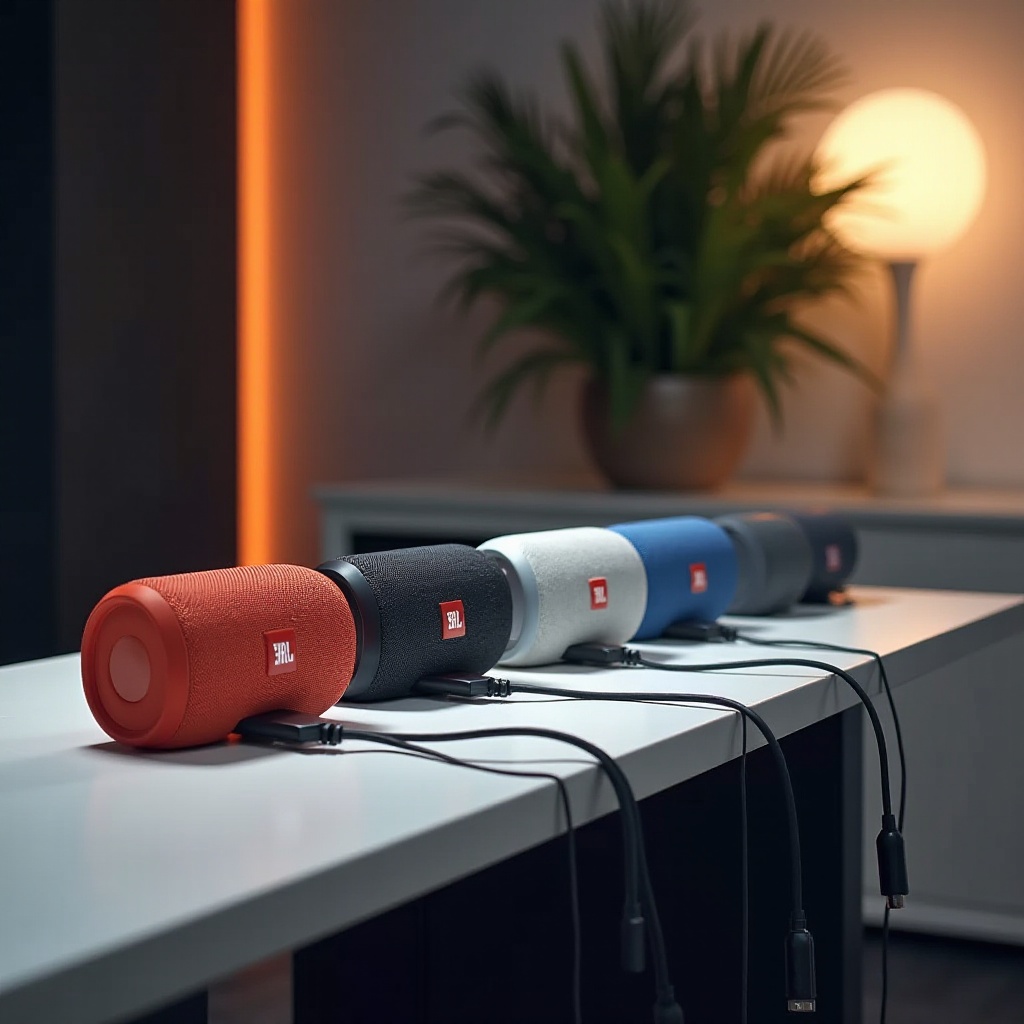
JBL’s product lineup includes popular models like the JBL Flip, JBL Charge, and JBL Xtreme. The JBL Flip series, known for its compact size and balanced sound, is perfect for portability. In contrast, the JBL Xtreme series provides robust audio performance suitable for larger gatherings or outdoor environments. Each model serves different purposes, which influences their battery size and subsequent charging duration.
Charging Time by Model
The time it takes to charge a JBL speaker is dependent on the model. Typically, the JBL Flip series requires around 2.5 to 3 hours for a full charge. The JBL Charge series, equipped with a larger battery, needs approximately 4 hours. By understanding these timeframes, you can ensure your speaker is ready whenever you need it for music playback.
Factors Affecting JBL Speaker Charging Time
The charging time for your JBL speaker can be influenced by several factors beyond just model specifications. It’s important to consider these when assessing your speaker’s performance.
Battery Size and Capacity
The larger the battery, the longer the charging process. Speakers with a longer playtime feature bigger batteries, requiring more time to reach full charge. For instance, a JBL speaker with a 3000mAh battery will charge faster than one with a 5000mAh capacity.
Charging Cables and Adapters
The type of charging cable and adapter used can greatly impact the charging speed. Original, high-quality cables recommended by the manufacturer typically provide better power transfer for faster charging times. Using a power adapter with an inadequate power output can significantly slow down the charging process, while incompatible adapters might even damage the battery.
Best Practices for Charging Your JBL Speaker
Adopting proper charging habits can prolong your speaker’s battery life and ensure consistent audio performance. Here are some best practices to follow.
Guidelines for Efficient Charging
To charge your JBL speaker efficiently, consider these tips:
– Always use the original charger and cable provided with the speaker.
– Connect the charger to a stable power source, avoiding power strips with multiple devices connected.
– Charge your speaker at room temperature to prevent overheating.
Common Mistakes to Avoid
To maintain battery health, steer clear of these mistakes:
– Avoid leaving your speaker to charge overnight.
– Refrain from using third-party charging cables unless they are verified as compatible.
– Keep the speaker out of direct sunlight while charging to avoid temperature issues.
Troubleshooting Common Charging Issues
Even with the best practices in place, charging issues can sometimes arise. Address these problems promptly to ensure your speaker remains operational and reliable.
Solutions for Unresponsive Speakers
If your JBL speaker won’t charge, try the following troubleshooting steps:
1. Verify that the charging cable and adapter are connected properly.
2. Try using a different charging cable to rule out cable issues.
3. Reset the speaker by pressing and holding the power button for at least 10 seconds.
When to Seek Professional Help
If your speaker remains unresponsive after troubleshooting, it may require professional repair. Persistent issues, such as the speaker overheating or making unusual noises while charging, should be resolved by contacting JBL support or visiting an authorized service center for assistance.
Enhancing Battery Life: Tips and Accessories
Maximizing your JBL speaker’s battery life goes beyond charging habits. Utilizing specific tools and adopting daily practices can further optimize battery efficiency.
Recommended Accessories
Consider these accessories to enhance your JBL speaker experience:
– Portable power banks are perfect for charging your speaker while on the go.
– Protective cases can shield your speaker from physical damage and harsh environmental conditions.
Daily Habits for Prolonged Battery Life
Integrate these habits into your daily routine to extend battery longevity:
– Allow the battery to drain to about 20% before recharging it fully.
– Always turn off the speaker when it’s not in use to conserve battery power.
Conclusion
Knowing how to efficiently charge your JBL speaker involves understanding your specific model’s needs, adopting best charging practices, and promptly addressing any issues. By following these guidelines, you can rest assured that your JBL speaker will provide excellent audio performance for years to come.
Frequently Asked Questions
How can I tell if my JBL speaker is fully charged?
Most JBL speakers have an LED indicator that turns off or changes color when fully charged.
Can I use my JBL speaker while it’s charging?
Yes, you can use your speaker while it’s charging, although it may slightly increase the charging time.
How often should I replace my JBL speaker’s battery?
Generally, JBL speaker batteries last several years. Replace it when notice reduced playtime or inability to hold a charge.